Draw your way
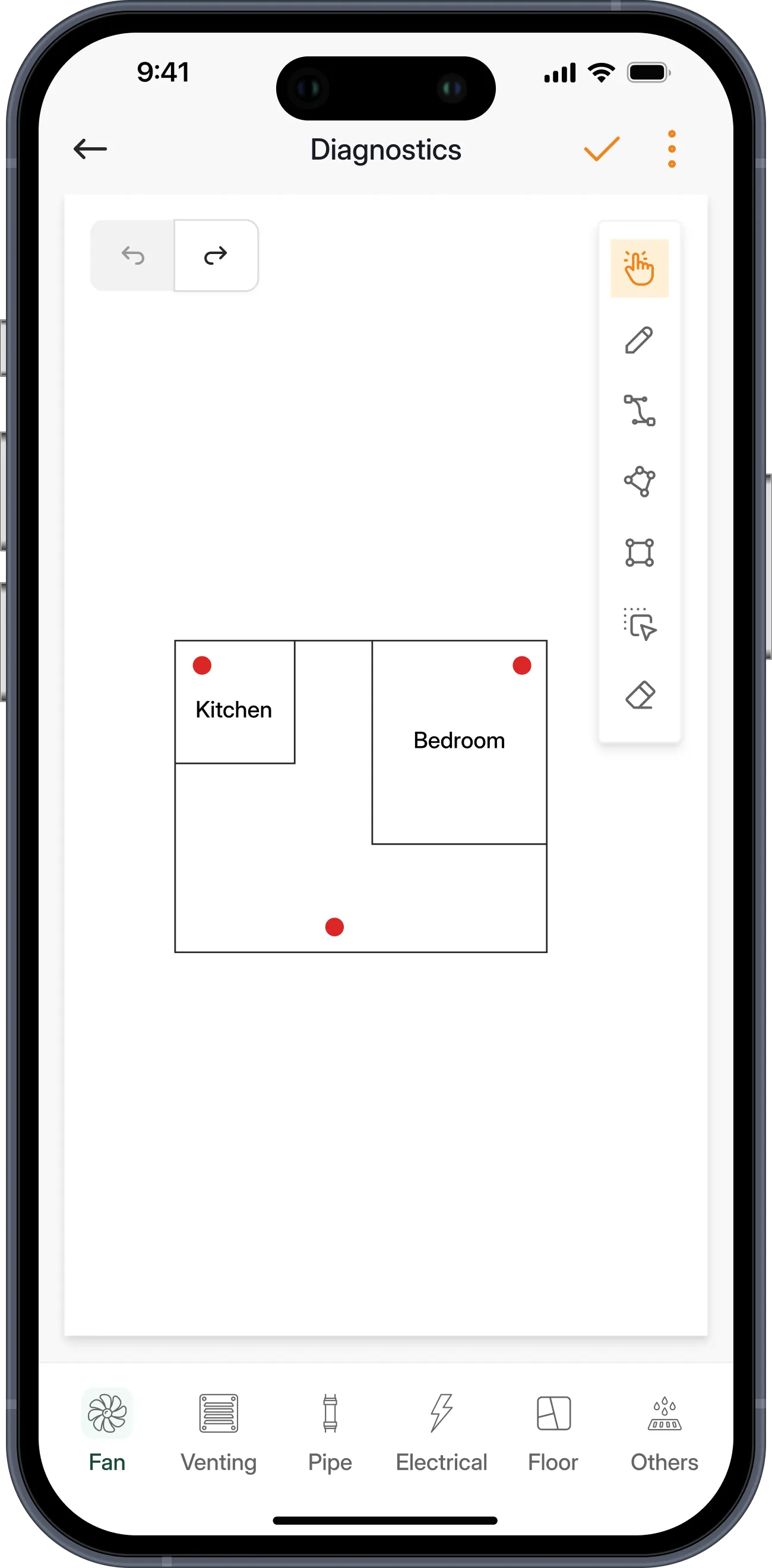
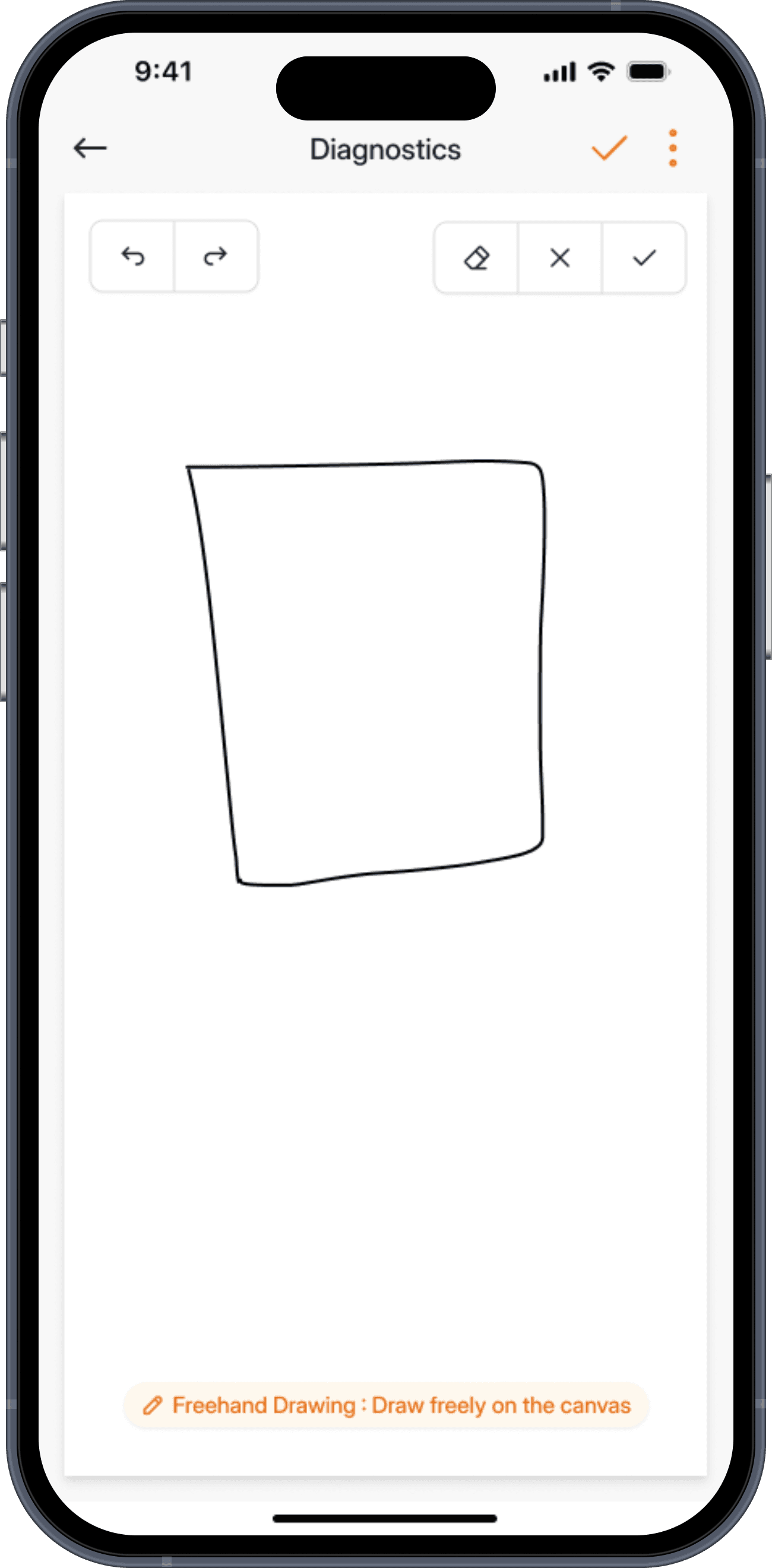
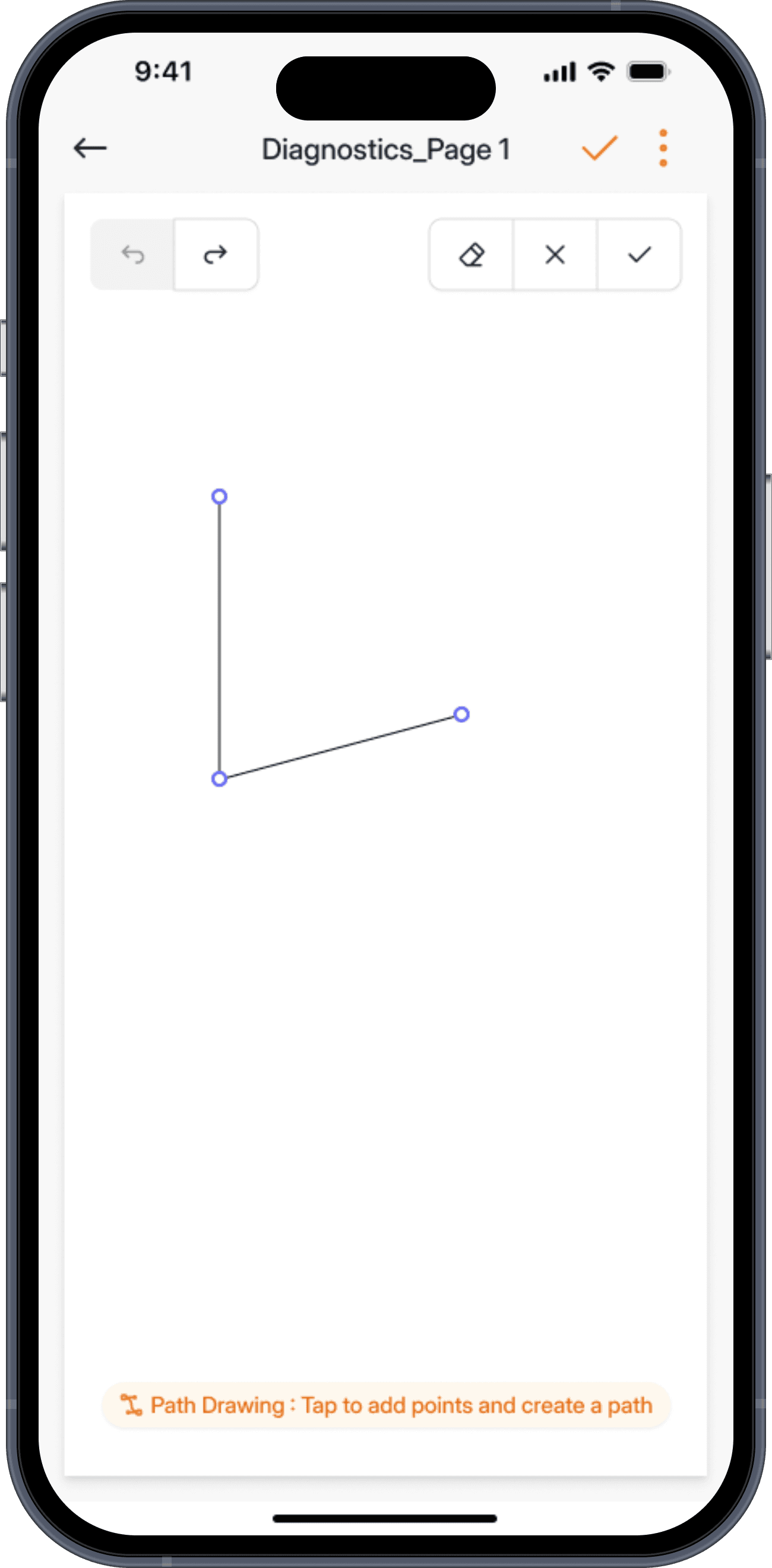
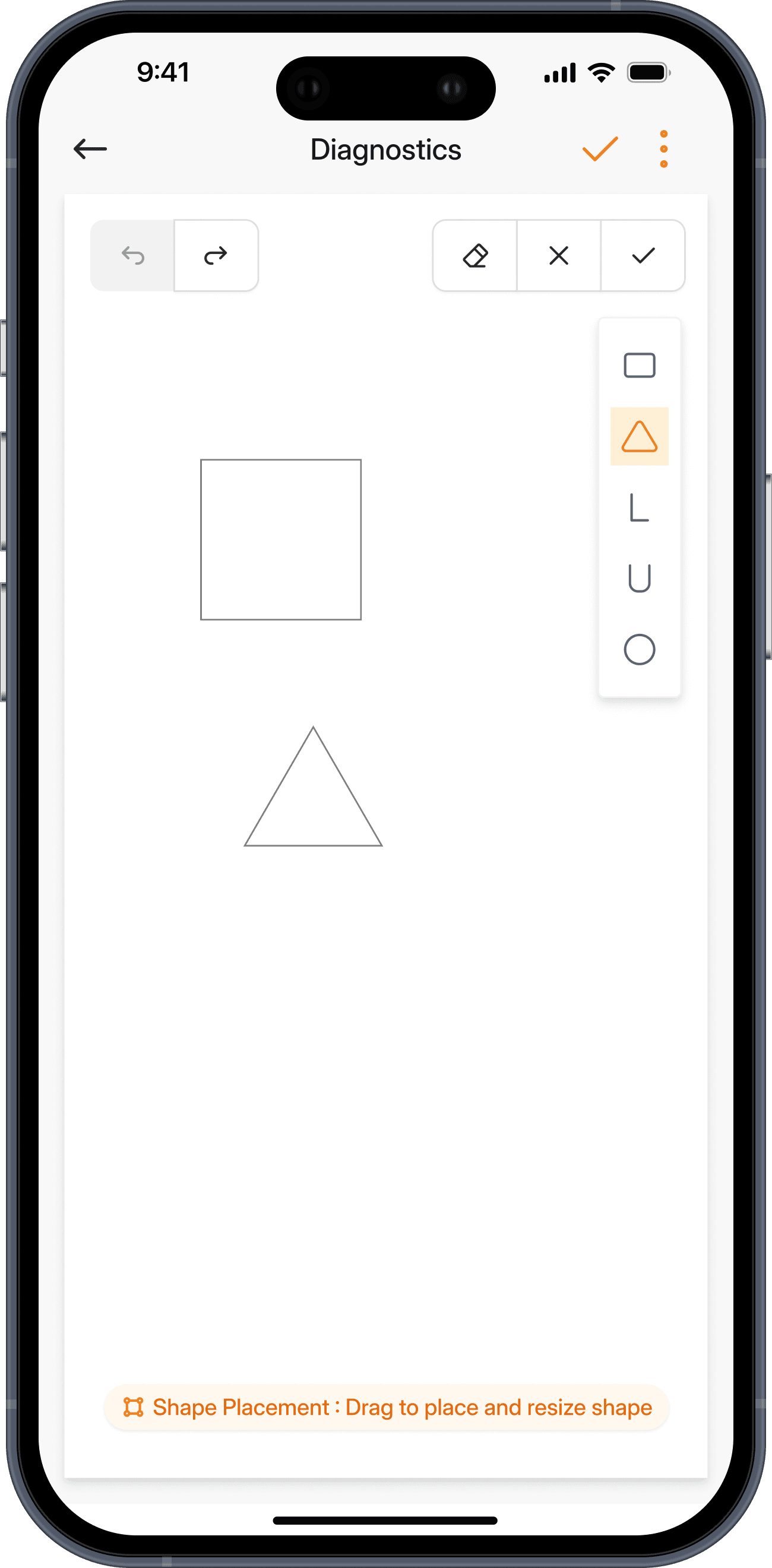
Use freehand strokes for organic layouts, the Path tool for straight-edged rooms, or drop pre-built shapes for standard spaces.
The Diagnostic Tool
Before you place a single pipe, you need to understand the floor. RadonSketch's Diagnostic tool lets you sketch, trace, and document any property layout — right on site, right on your phone.
No graph paper. No guesswork. No redrawing it later for the report.
Why It Matters
Every property is different. A slab here, a crawlspace there, a half-basement with a drain tile you didn't notice until you started drilling. When your site assessment lives on a paper napkin or a mental note, things get missed — and missed things become callbacks.
Built for the field
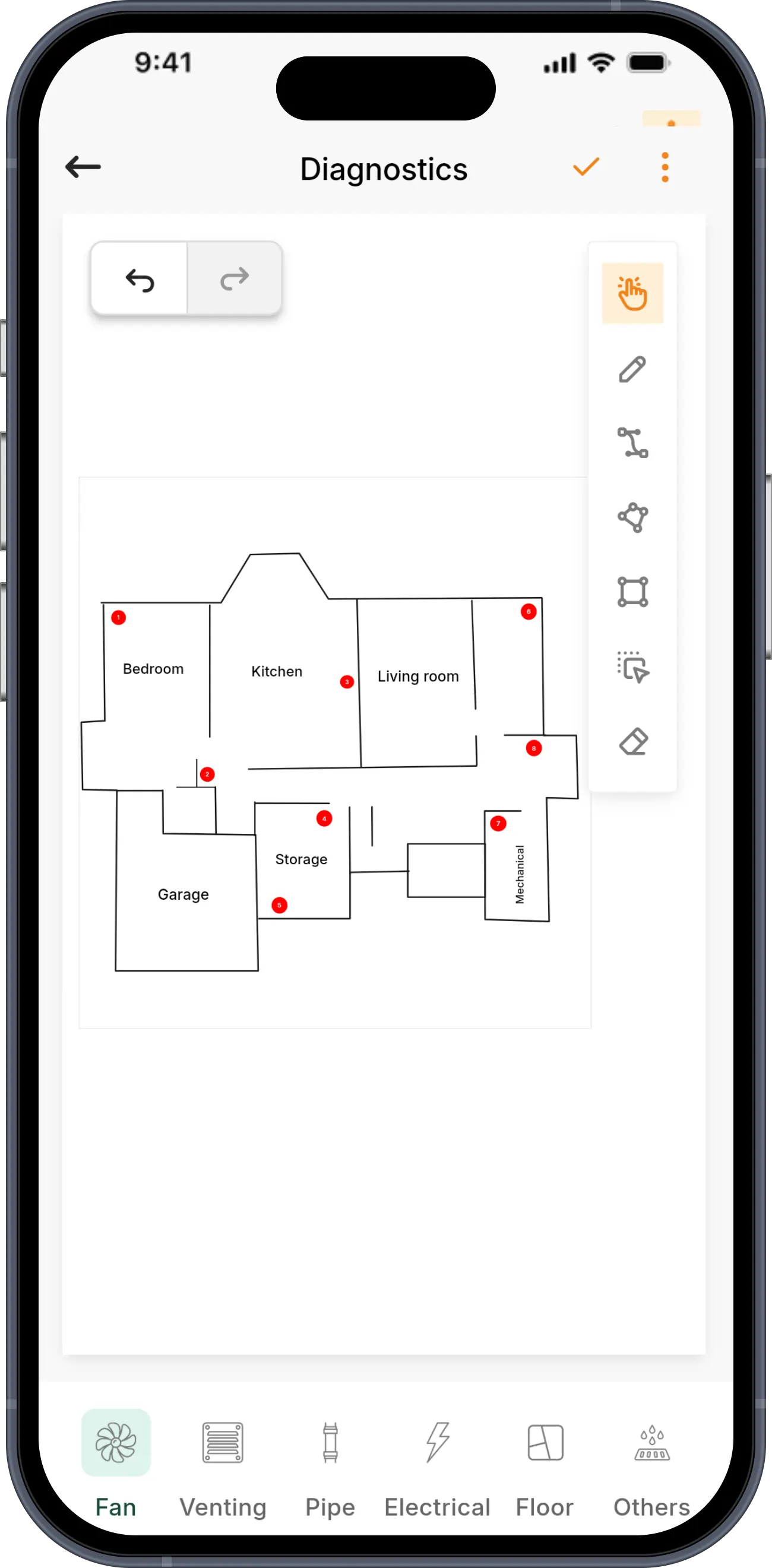
Use freehand strokes for organic layouts, the Path tool for straight-edged rooms, or drop pre-built shapes for standard spaces.
When your line gets close to another endpoint, it snaps and locks automatically. No jagged corners. No open gaps.
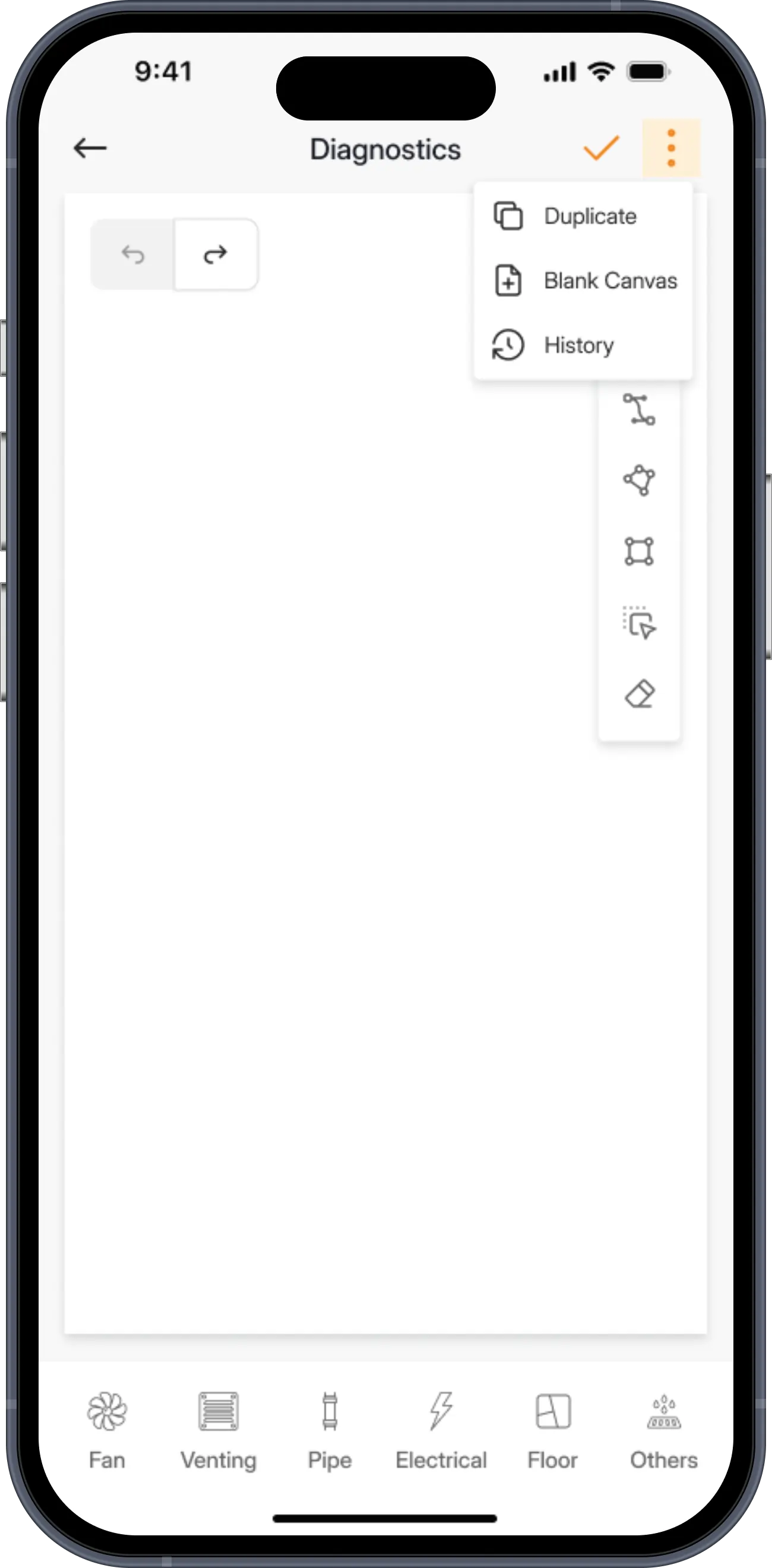
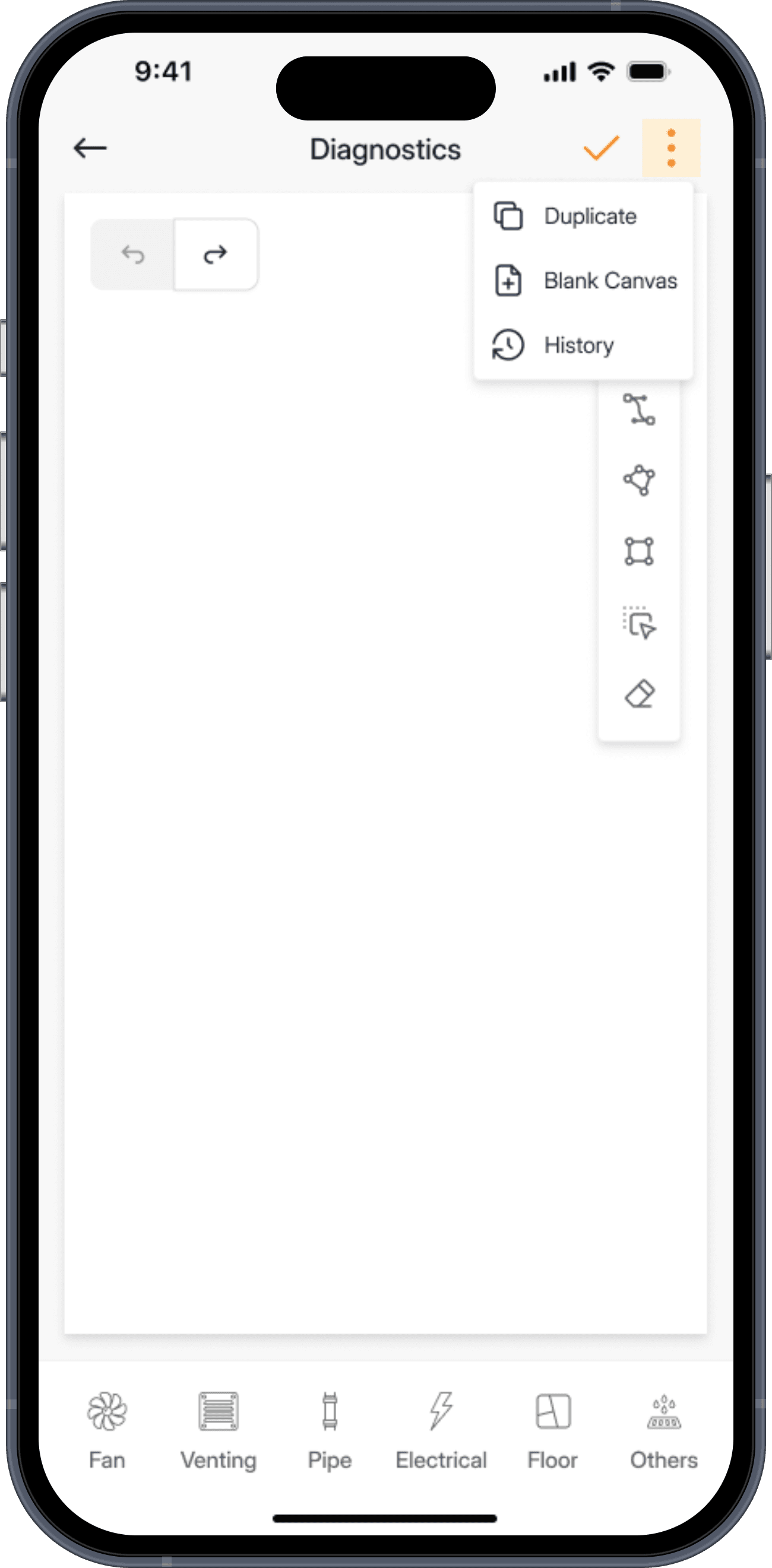
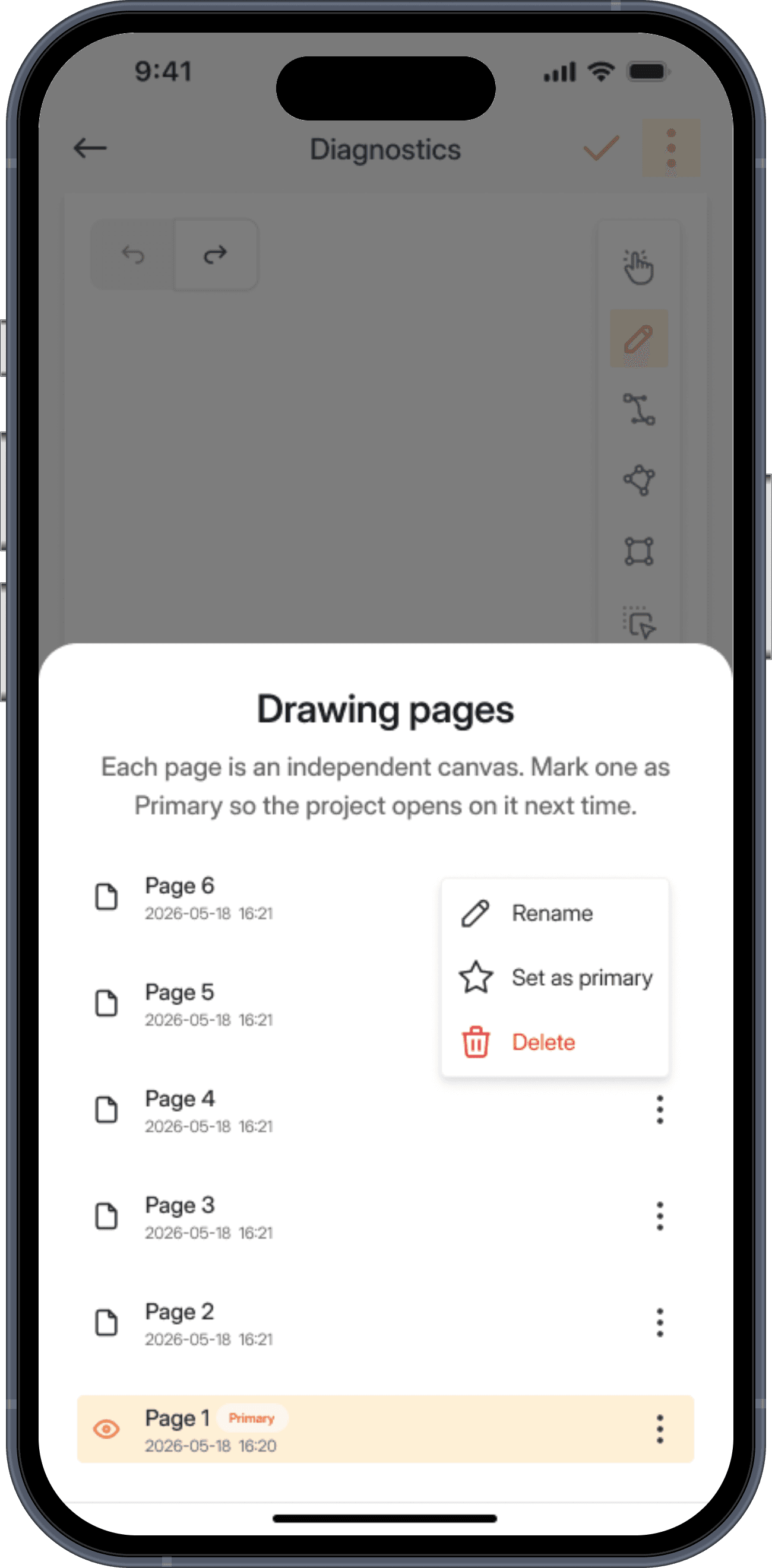
Changed your mind about the layout? Every version is auto-saved with a timestamp. Name your versions, restore any previous one.
Your floor plan feeds into your system design, appears in your compliance documentation, and is included in the final PDF report.
How it works
Open a project, tap Diagnostic, choose the foundation type, then pick a drawing tool right on the canvas.
Draw the layout freehand as you walk the property — your strokes auto-close into clean, editable rooms.
Tap to drop points and snap straight-edged paths — ideal for square rooms, walls, and slab edges.
Use the polygon tool and pre-built shapes to enclose spaces exactly as you see them on site.
Every page auto-saves with a timestamp — set one as Primary and it flows straight into your PDF report.
Pre-built shapes
Rectangles, squares, L-shapes, circles, doors, windows — drop them onto the canvas with a tap. Resize, rotate, and connect them to match exactly what you see.
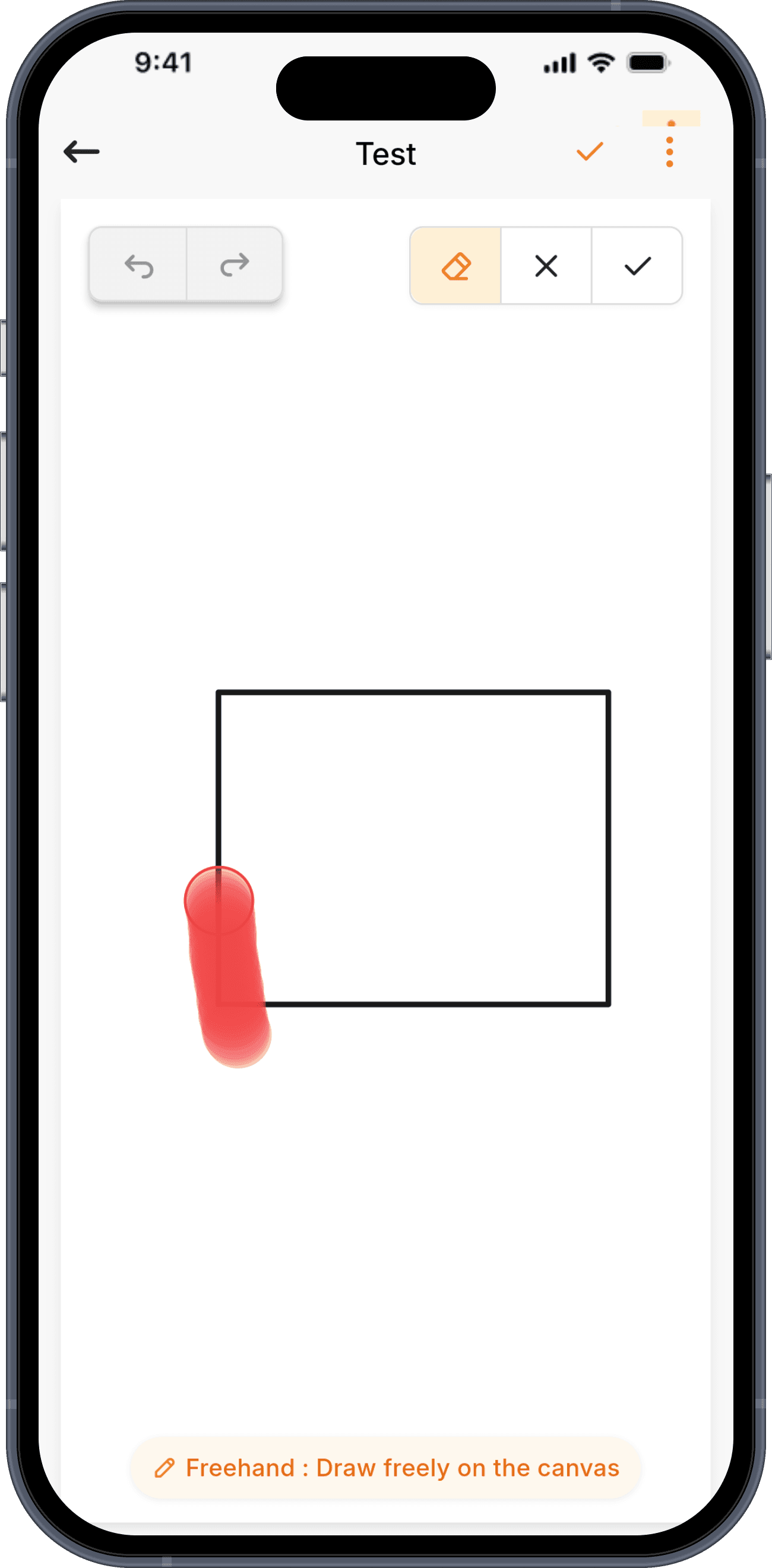
Smart eraser
The vector eraser removes only what you mean to erase. Drag it along a line and it slices cleanly — it won't erase component labels or annotation text.
Version history
Auto-save runs in the background. Name your versions — "Before sealing", "Final layout" — and jump back to any of them instantly.
SUCCESS STORIES
“They're always responsive and knowledgeable, and they've helped us get the most out of the platform”
Stop relying on outdated methods and embrace the future of radon mitigation design. Work smarter, not harder.

 App Store
 Play Store